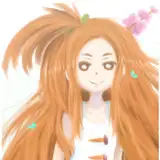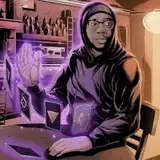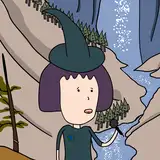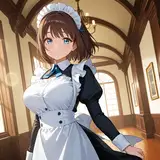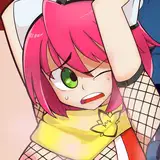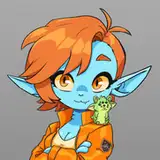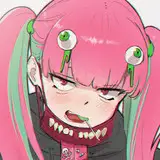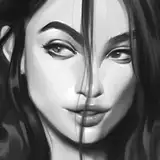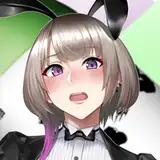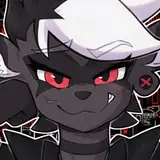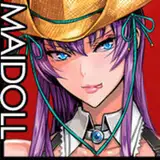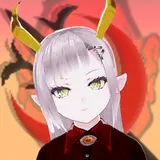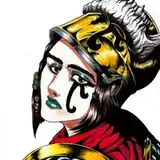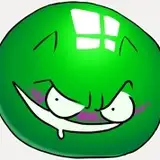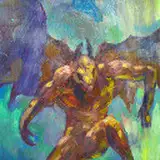
It took me a while to collect these, this process had a lot more steps to show than I had thought! The process differs in many ways of that I usually do as my goal was to acquire a 90s anime kind of look - these are a Sailor Moon reference, based on a screenshot! No a "drawover" kind of one as because they're supposed to work as icons not only when being connected, also separately when in use on different platforms. Also, there were a lot more in the characters to fit into the frame so I had to make some practical changes to the composition.
I wanted to include some screenshots I took of the adjustment layers I used for the "anime filter", too. I have tried a few different methods in the past and I think this is so far the closest to what I've been aiming for! I watched a bunch of Youtube tutorials and combined some tricks of them, the newest addition to it being the use of Gradient Map I saw in tripplejaz's 90s Anime Filter in Clip Studio Paint | Tutorial. The steps as well as the order of them shown in the video are a bit different of what I do, but I personally learned a lot from watching it and can highly recommend it. I had used the Curve tool before to create the same effect, but the Gradient map trick was super simple to do.
I definitely want to make more retro style art like this in the future! Cel shading with crisp edges was very nostalgic to revisit as well, and I just all around enjoyed making this. 💛