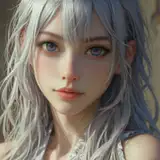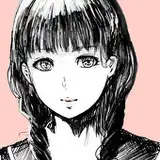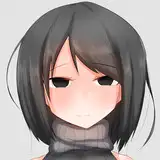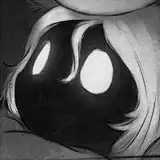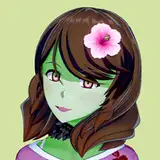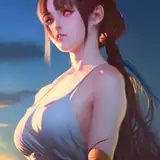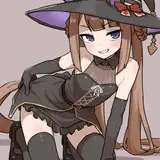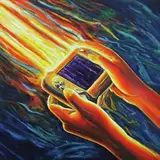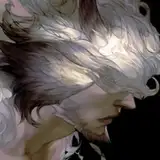
Recently I posted some process photos and mentioned I'm using smudge tools. Actually I smudging on all of my paintings in Photoshop. But first thing you need to understand is that in Photoshop, smudge tool is not optimized for making 'flat-style' paintings. (for example: anime style) It's for 'turning strokes to surfaces'. This idea is basically inspired by traditional painting/drawing, like charcoal or oil painting.
I make one smudge tool pack as an attachment in this post. This pack have both .abr and .tpl format, if you're using cc2018, load the .abr file; if you're using older versions, load the .tpl file.
My PC doesn't lag much in Photoshop, but I know there're some ways to improve the performance of smudge tool, if you're running on a low-end PC/graphic card:


Also there's a great tutorial on youtube made by artist Borodante, who offers more ways to improve PS performance. See the video: MAKING PHOTOSHOP PAINTING FAST - Tutorial
----------中文解說版分隔線-----------
最近貼了幾個繪圖過程截圖,提到我每張圖都使用了塗抹工具。基本上用PS畫圖我完全離不開塗抹工具,會來回在塗抹和筆刷工具間切換來切換去(還特地跑去改熱鍵),話說PS的塗抹工具和日系軟體不同,基本不容易塗得平整,但對大部份的厚塗技法來說、塗得平不平整完全不是重點。使用PS的塗抹工具,基本上要先有個概念:「塗抹是為了將筆觸轉換為塊面」,這類技法基本上是源自於傳統媒材的素描/混色技法,比方說炭筆畫或油畫等。
如果對例圖中的塗抹工具有興趣,可以在本帖的附件下載這些塗抹工具。CC2018使用者請載入.abr格式,若安裝的是較舊版本,請載入.tpl格式。
有些贊助者似乎有在PS中使用塗抹工具會LAG的問題,雖說我的電腦基本不太會LAG所以無從測試起,但還是分享一下我目前知道的改善方法:


其實我之前在噗浪上就貼過,Youtube上有個很不錯的教學,影片製作人為烏克蘭繪師Borodante。影片提供更多種改善PS效能的設定方法:MAKING PHOTOSHOP PAINTING FAST - Tutorial
不過是英文教學,需要翻譯的話可以提出來,雖然我不見得有空幫忙翻(欸)