Hi everyone. Since I keep getting asked the same question, I decided to make this post (oh god, I never thought I’d say “people often ask me” haha), but still:
How do I make POV?
You can make POV with just a prompt, but first of all, it’s rare to get a proper POV right away (at least in my case). And second, even when you do get a POV, in 9 out of 10 cases it hardly ever works as a more-or-less realistic first-person view. For a proper final image, editing in a photo editor is always required — and not just once. So it’s always a hybrid: AI → manual editing in an editor → back to AI — and so on in a loop (over and over and over and over, that’s what insanity is – those who played Far Cry 3 will get it =D). The generation is random.
About hair blocking the view.
In NovelAI that never appears on its own — you need to add it manually in chunks, then refine it locally (specific areas) in the AI generator while working with that image. And you have to edit the zones carefully — if you select the whole area, it will just erase all the hair =D
If you specifically need to generate hair, then in this case you can use ChatGPT — it can add hair (the trick is to prompt it like: add out-of-focus hair on top, partially blocking the view — thanks to RookRealms for this tip). But remember — ChatGPT is VERY strict with filters, and any hint of NSFW will be rejected right away.
What I use:
AI with local area editing (mainly NovelAI – paid; sometimes ChatGPT too).
A graphic editor (I use Photoshop): shifting/reassembling parts, adjusting forms, changing perspective, fixing color when combining pieces, etc.
Basic process:
Get any usable POV draft
I try different methods/prompts, because generation is always random, especially for POV. Pro tip: if POV doesn’t work, you can recycle one from older drafts.
Manual editing in the editor
Move areas around, rework the composition, adjust forms, clean up, prep a base.
Back into AI (local inpainting)
Select specific zones, write a prompt considering the whole scene, fix the problem areas.
Back to the editor again
Clean artifacts, adjust proportions, color/lighting, merge layers.
Repeat AI ↔ editor cycle
As many times as needed, until the result looks good.
Small tips:
Think of the whole scene when editing locally (prompts for areas should “match” the scene). Imagine the perspective, proportions, how the body should look — this really helps when fixing things.
Go from big forms to details; add details only at the end.
Save intermediate versions — sometimes you can reuse good fragments.
Stuck or got something weird? Change seed/angle/scale etc. and try again, over and over and over and over… didn’t I already say that’s insanity? =D
So yeah, good luck! It’s all in your hands. Don’t forget that even with AI you need to be creative and sometimes take a non-standard approach. For example, one of the POVs (in Strange App — page 3) I actually made from my own photo — I took a picture of myself, sent it to ChatGPT, told it to use that as a base, and then gave a second photo as a reference haha.
…
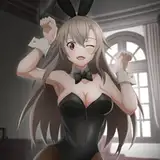
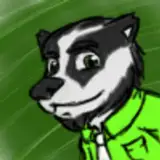
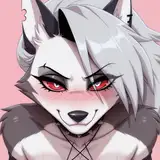
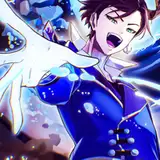
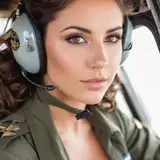
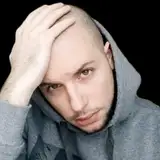
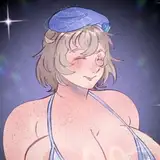
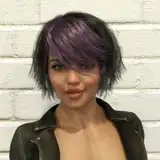
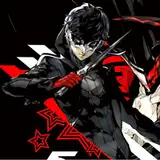
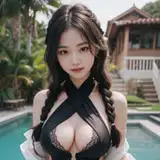
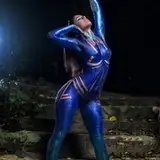
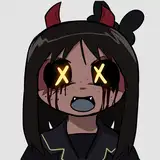
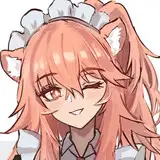
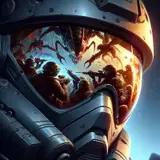
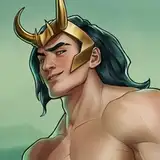
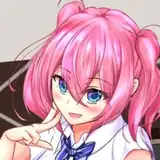
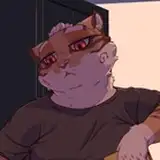
Attached to the post are some examples of what I was talking about haha) sometimes they turn out pretty funny.
GreenTG
2025-09-12 08:30:17 +0000 UTC