![[RELEASE] Hometown Update V0.86_5 (FPS fix & more)](https://img10.xaiju.com/storage/7/df/jz/d38796-019e82f1-72db-7b32-aa5d-25f78a68345b.png)

Long time no see, I say Ciao to you once again :)
I am terribly sorry for the long wait, a lot has happened IRL & project wise in the meantime - i will maybe explain it at some point as it would become a lengthy storytime...
Yes its true! I am working on another big track in the silent background!
(NO - Hometown is not abandoned - just has a development pause for now - partially also because i just got exhausted by seeing it to be honest. I needed some fresh air & a place where i can start from 0 with all my newly gained experience and knowledge.)
Now to the stuff you actually came for :)
Today I present to you the latest Hometown Update V 0.86_5
(_5 = a half - because its just a "small" update if were honest)
Alright lets get started:
FPS Drop upon crashing with a guardrail - FIXED (1)
Teleport Menu added - Check out the new Containers you see (Drive into them until you hit the spot in the somewhat middle)
New Surface for Autobahn Gas Stations
Smaller configuration changes (Lightning,Shaders,etc)
AI Race makes a return! (Track Day AI Flood - Still unrecommended, BUT its working again (2))
TreeFX Adjustment (New Performance Presets, Adjusted Shader values)
Smaller Optimisations
Remaining Surfaces added to RainFX lines so it doesnt look off anymore
Bunkörs got a little visual change to something more good looking :)
(1) Note: It is fixed for the most part, upon impact you will still experience a small FPS drop due to CSP doing guardrail bending calculations - BUT it should now be back to original FPS much much quicker & in general doesnt tank your FPS as much as before - tested by multiple users & confirmed to not drop FPS as much as before.
(2) Note: Thanks to Klaus790 for pointing out its working again - Still only supports Autobahn (3 Lane Highway) due to it usually being designed to be used ONLY on actual Racetracks/Circuits - Not Freeroam Tracks...
If you want more traffic on more roads: Use the dedicated Traffic Mode from Content Manager (Way better performance and able to spawn much more traffic cars compared to Track Day AI)
DELETE ANY PREVIOUS OMEGA's HOMETOWN VERSIONS BEFORE INSTALLING! - VERY IMPORTANT!
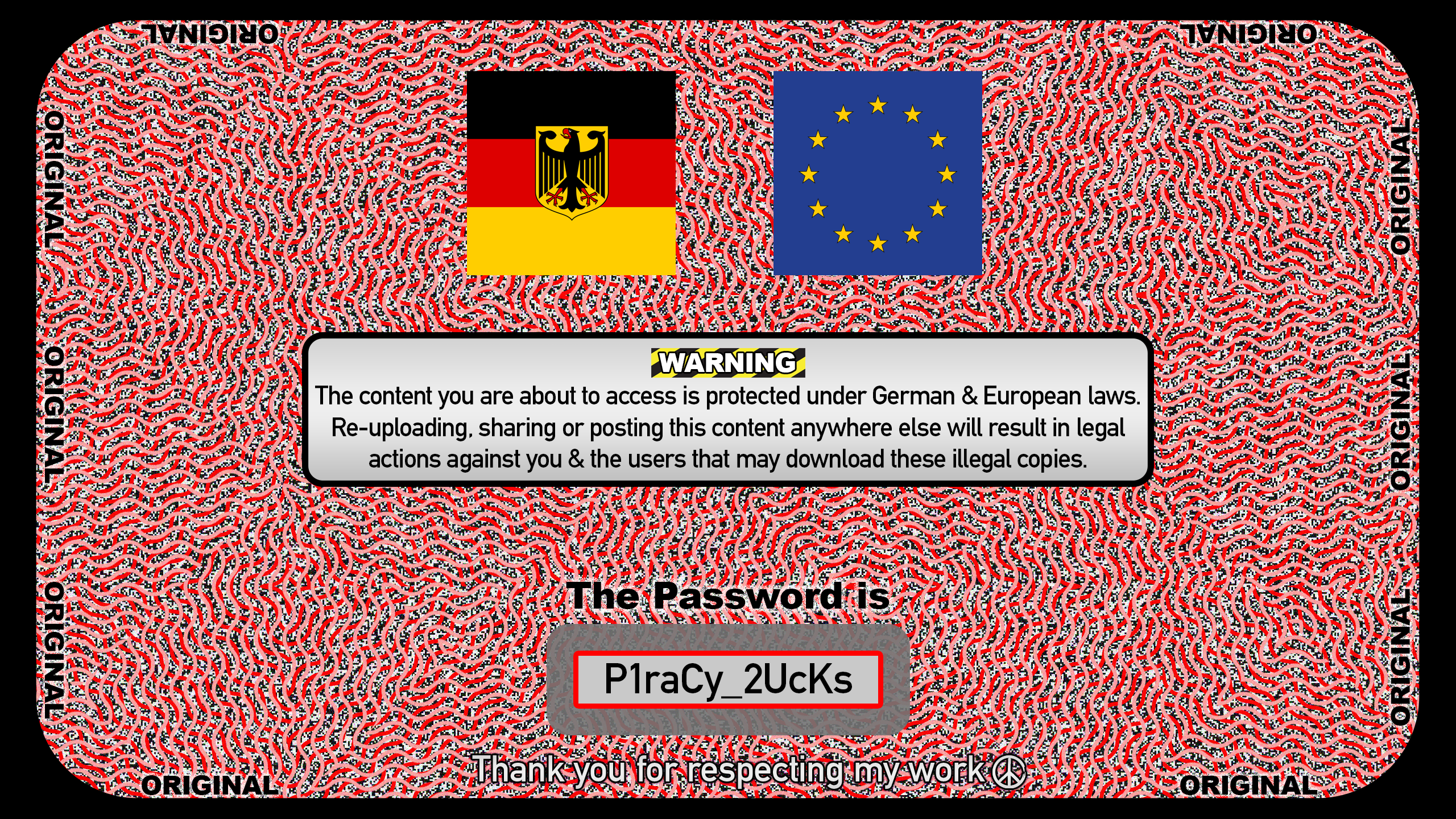
>>> DOWNLOAD UPDATE <<< Get the password here
You want traffic? Click here, it will take you to our Exclusive Traffic Packs
Need good CSP Settings & more? Check our little info site (click here)
INSTALL INSTRUCTIONS
STEP 1: Open the .EXE file, Click on [...] button to select the correct folder - dismiss any potential warnings from Windows or your antivirus program. - the file is clean and just a self extractor.
STEP 2: Search & select the correct Assetto Corsa folder - (NOT the one from your documents folder)
(For me it is this path - it will most likely be different on your end!)
STEP 3: Let the extraction begin by pressing "Extract"
After its done the install process is finished.
The same way of installation applies to both of the Traffic packs too!
STEP 1: Start by selecting this "TRAFFIC" mode from the dropdown menu
(not there? update your csp!)
And make sure you have a "Singleplayer" Hometown layout selected.
STEP 2: We recommend setting between 100 - 300 Traffic cars
It all depends on how fast your car is, slower cars allow more fun if the traffic is a bit denser (200-300) - faster cars on the other hand are more enjoyable if you have bigger gaps in the traffic pattern. (100)
STEP 3: Override the "Top speed multiplier" value by clicking on the number and manually typing the number 3 into the box. Now your ready to go - The Traffic pack above needs to be installed for the best experience.
CSP REQUIREMENTS:
Latest Recommended CSP version 0.2.11
Backwards compatibility possible, but some features might not work properly, see for yourself please.
This product was made for Gamma colorspace - it will look fine in LCS mode sure, but might not represent exactly what we had in mind when designing.
C13 AEGIS - as per usual was used for development - recommended if you want to enjoy it as intended.
You are truly the best! Enjoy your day and stay blessed 💜

ӨMΣGΛ
2025-08-10 12:02:02 +0000 UTCMarco Giugiaro
2025-08-10 10:11:58 +0000 UTC