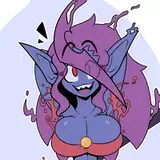
To get a better sense of how I'm going to be animating Ayla for my upcoming hand-drawn video game I decided to animate her character turn around. It's sort of like having a model sheet brought to life, and good practice at the same time. Seeing the character fleshed out in a 360 degree turn gives me a better sense of her mass and forms. It's also just a cool way to help visual her as I start creating more of the necessary sprites and promo art.
"Behind the scenes" shots are something I've always loved seeing so I decided to share some of my process work as I build up the turn animation. Although hopefully fun to see, this isn't meant as a tutorial or anything authoritative. It's just my approach, for better or worse, and is actually my first attempt at a character turn around animation.
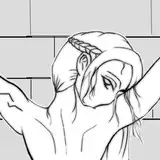
Step 1: First, the key poses (front, back, right left) were roughed in, kind of loose and messy but clear enough for me to see the landmarks. After the first drawing I added my guidelines to maintain the proportions and positions. The pose is meant to be naturalistic, making it slightly more challenging to draw but more rewarding visually. I then added an additional 4 poses, the extremes between the keys, to help me keep a clean rotation once I start adding the in-between drawings. I'll be animating on the twos, so it'll take a total of 24 finished frames to complete the two second rotation. Depending how it looks, I might decide I need to animate on the ones, drawing all 48 frames, but I'm hoping it'll feel pretty smooth without needing to do that