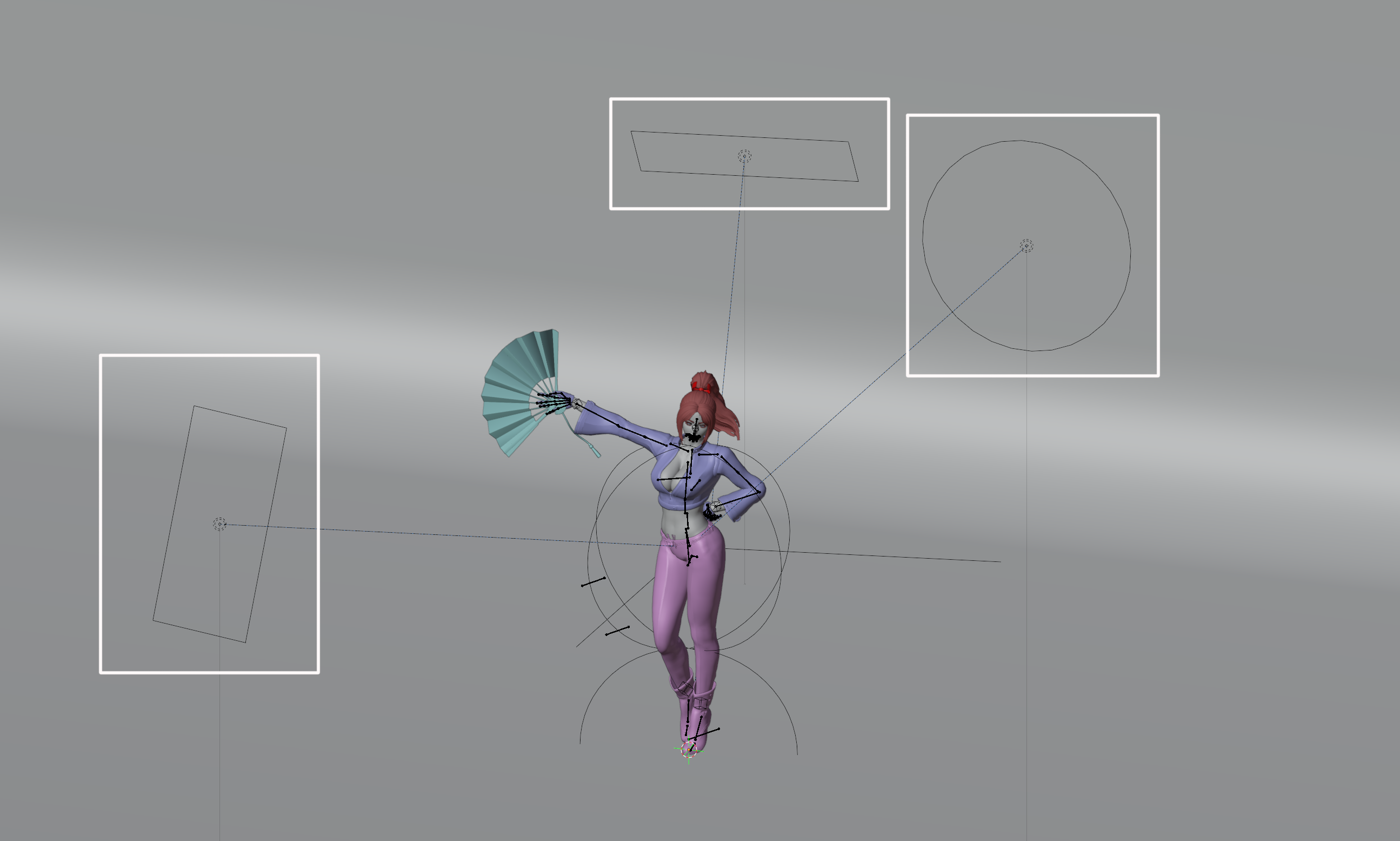
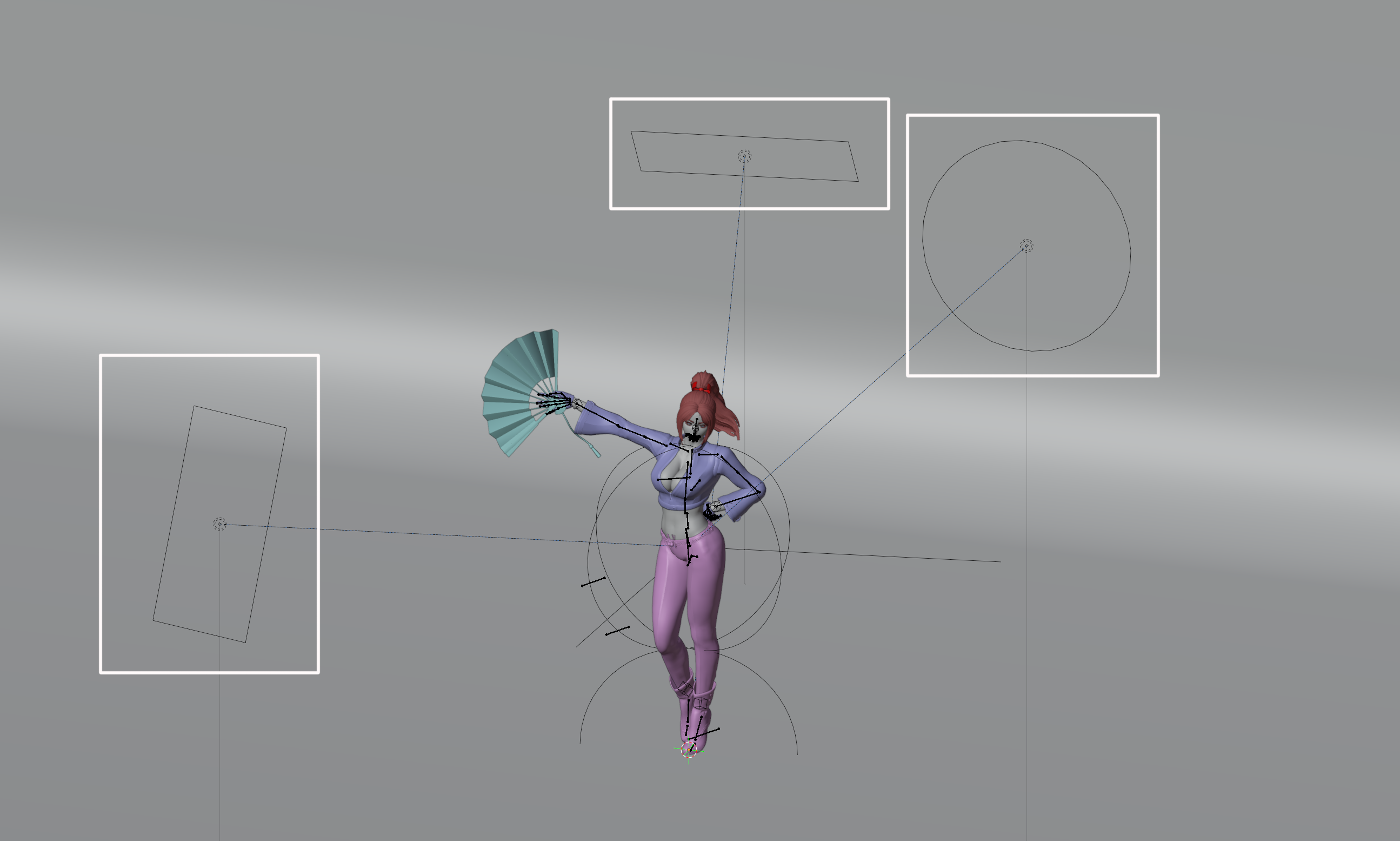
This section describes the rendering method.
The file “Shiranui_v1_250308” is used for the explanation.
Save
Save the file before starting rendering.
Rendering is very demanding on your computer and may cause errors or Blender to crash.
Click File on the top bar and choose Save or Save As.
Save the file to any location.
File > Save or Save As
2025-03-09 13:41:37 +0000 UTC
View Post
This section describes the operation of the lights.
The file “Shiranui_v1_250308” is used for the explanation.
3-point lighting
The initial setup uses a three-point light that shines light from three directions.
The roles and operations of these three lights will be explained in this article.
Main Light
<...
2025-03-09 13:16:00 +0000 UTC
View Post
This section describes the operation of the camera.
The file “Shiranui_v1_250308” is used for the explanation.
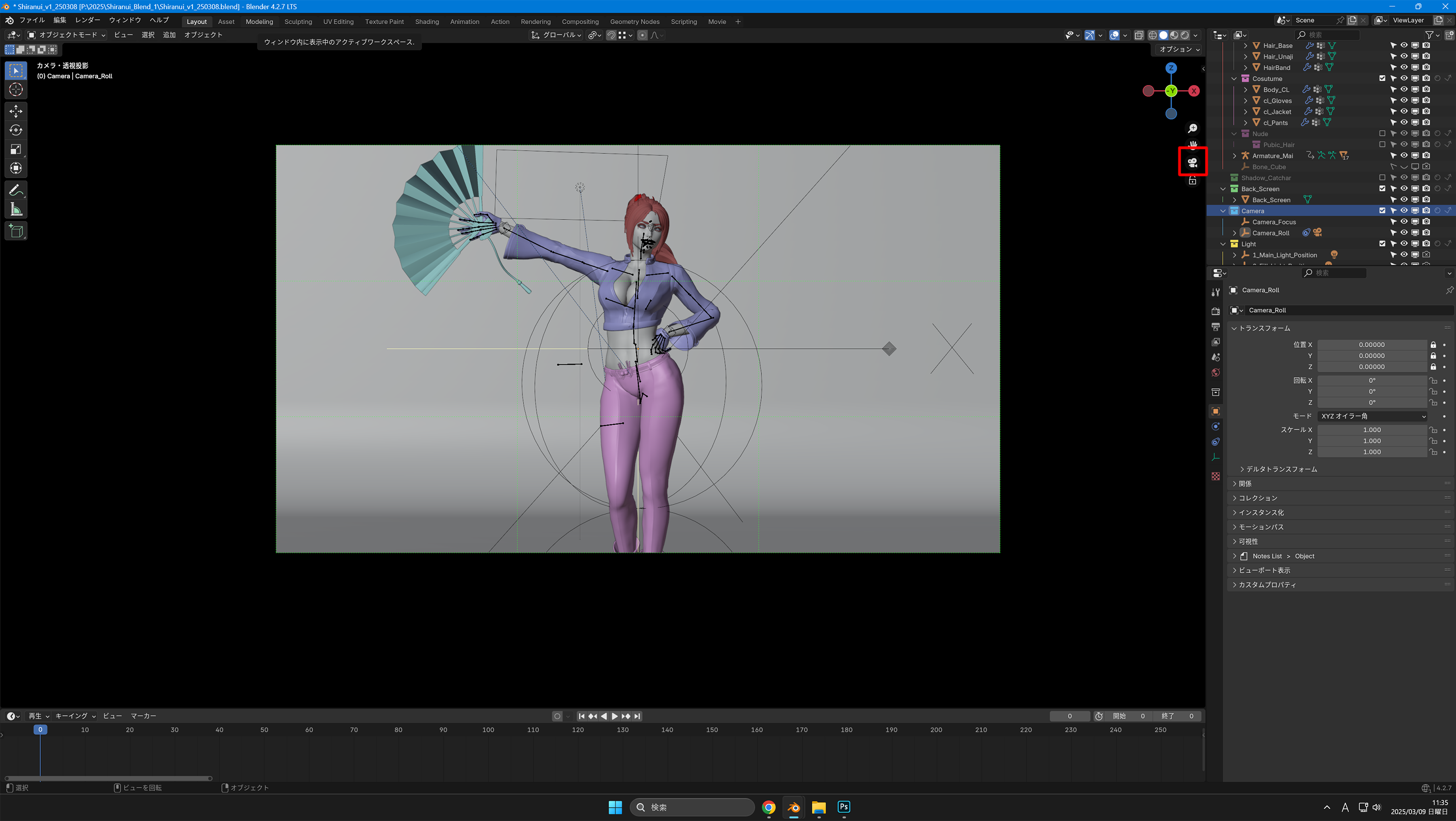
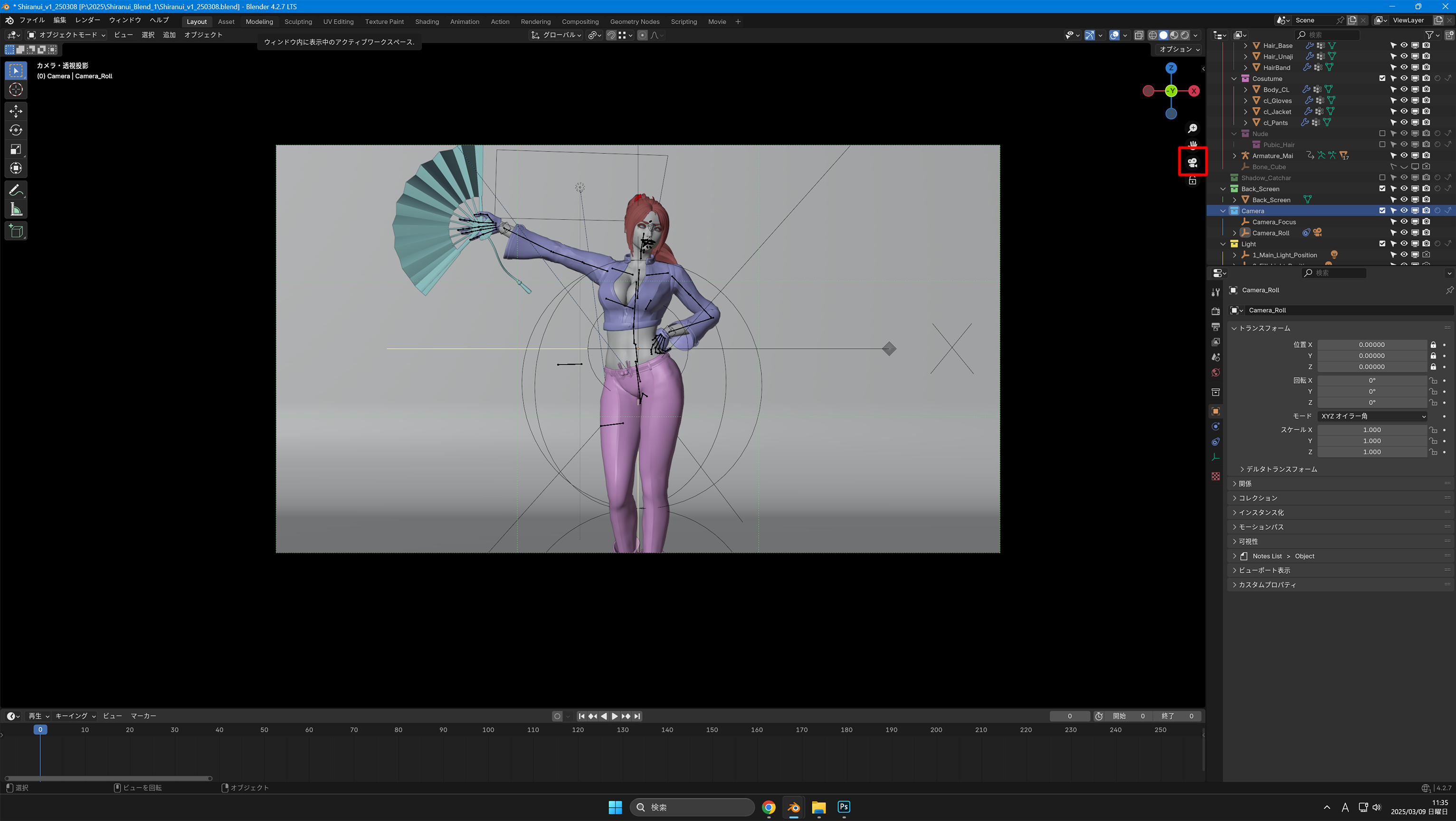
First, press “0” or the camera symbol in the 3D view to switch to the camera viewpoint
3D View > 0 key
Camera Rotation
Select “Camera_Roll” from the Outliner.
Click on the ...
2025-03-09 12:20:35 +0000 UTC
View Post
This section describes how to change the model's costume and pose.
The file “Shiranui_v1_250308” is used for the explanation.
Costume Switching
The costumes can be shown and hidden in the Outliner.
Check the pink boxes “Cosutume” and “Nude” to show them, and uncheck them to hide them.
Check the boxes in the Outliner > Check to switch between them
2025-03-09 09:08:37 +0000 UTC
View Post
Here is a description of moving the blender's viewpoint
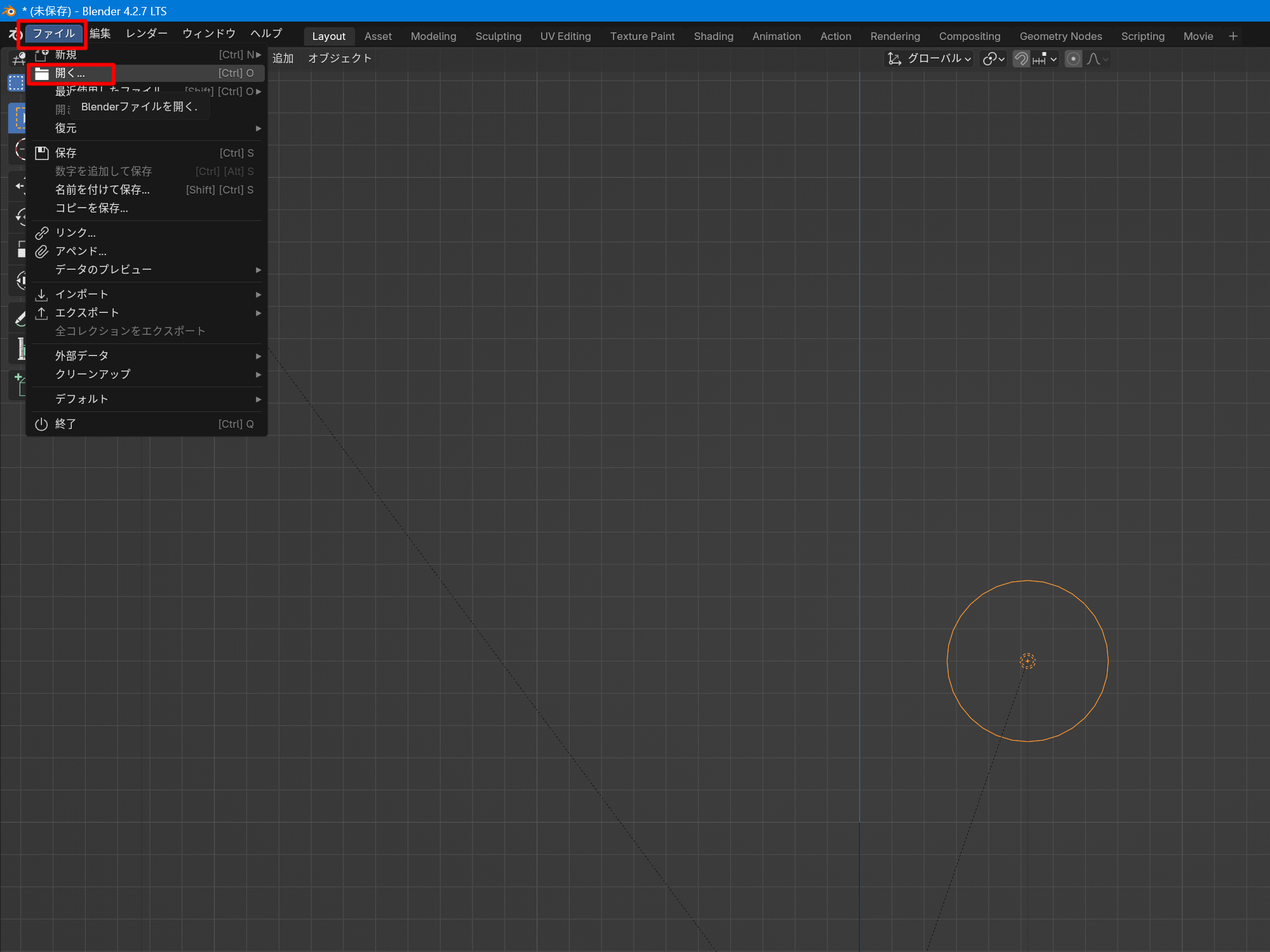
Open File
Open the downloaded file “Shiranui_v1_250308”.
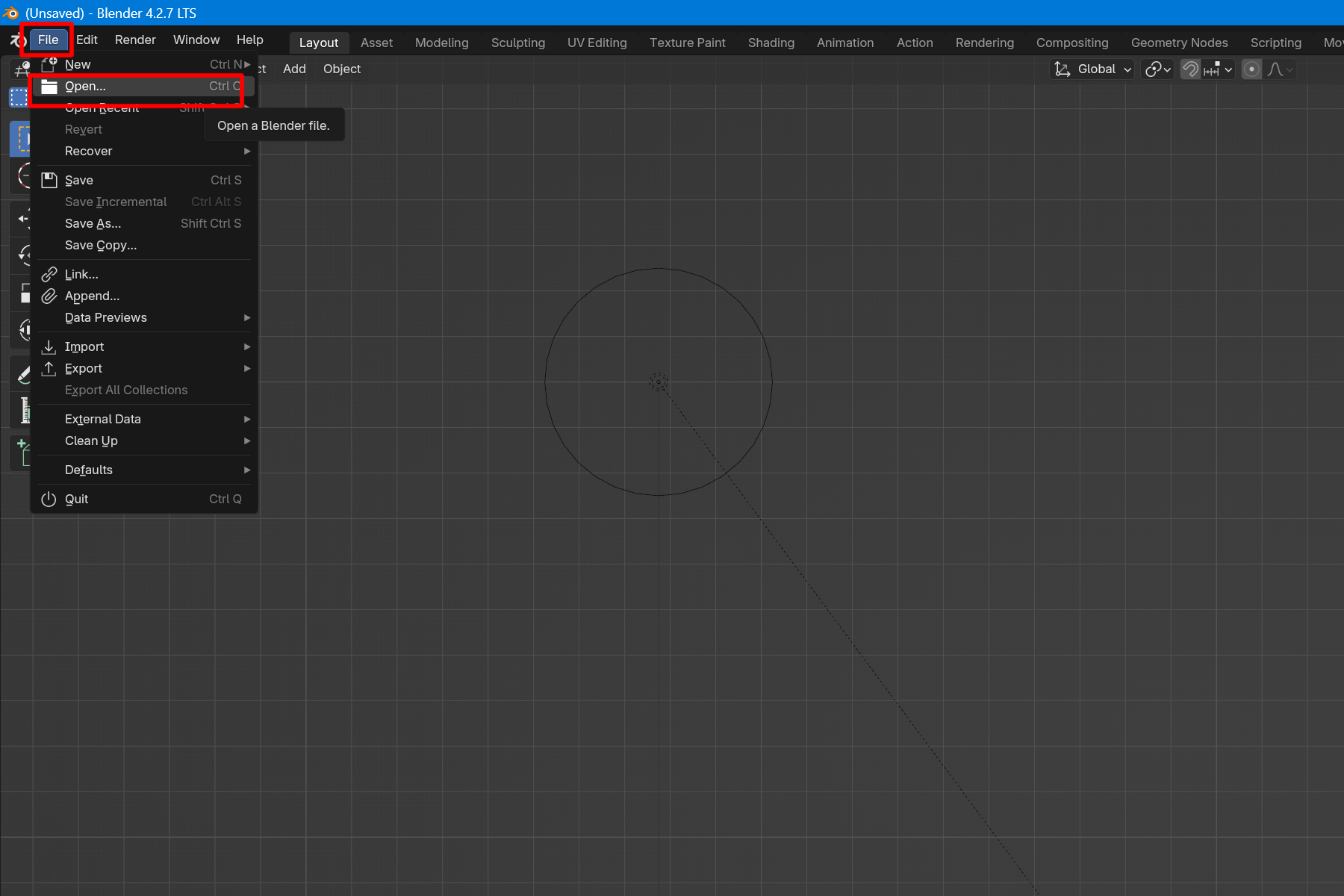
Click Open from File.
File > Open
A File View window will open.
Select the downloaded file.
Click Open to open the file....
2025-03-09 08:54:29 +0000 UTC
View Post
Here is a description of the blender settings.
Start the “blender” file “Blender4.2” from “All apps” in “Start” of Windows.
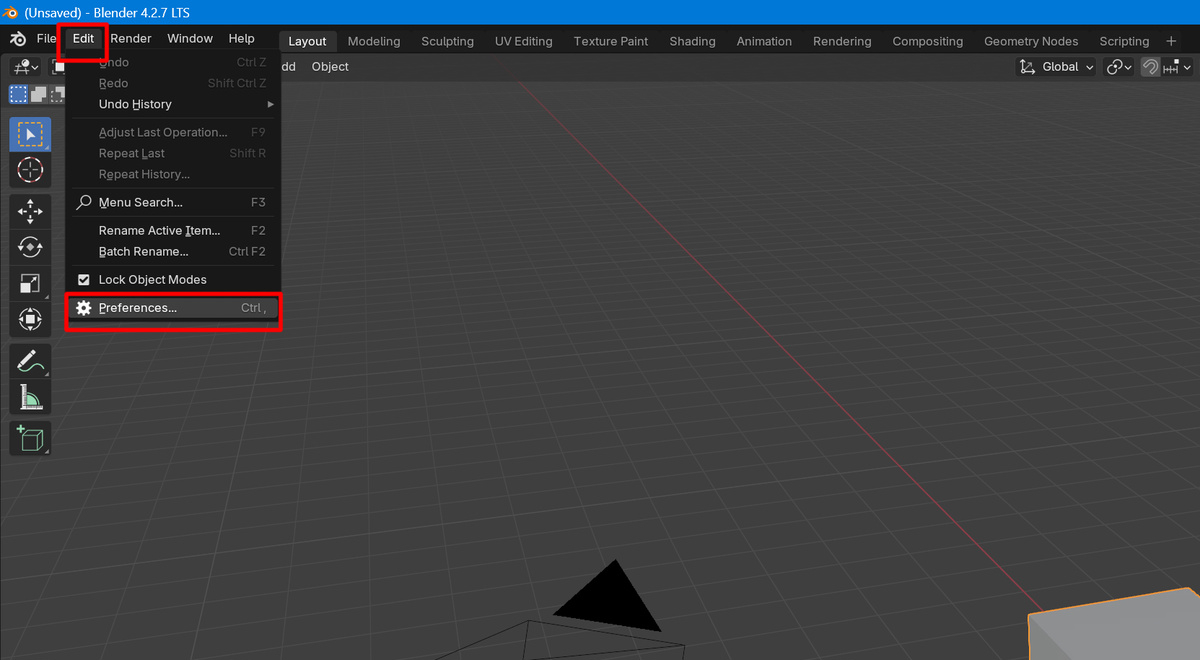
Open Preferences from Edit on the top bar.
If you do not have a numeric keypad on your keyboard, check the Emulate Numpad for Input checkbox. If you ha...
2025-03-09 08:17:28 +0000 UTC
View Post
This section explains how to install the Blender LTS version.
Access the official Blender page from the link above.
Click on “Blender LTS” from the downlord at the bottom of the page.
2025-03-09 07:23:47 +0000 UTC
View Post
Blenderの使用方法の解説です。
分かりやすく書いたつもりですが、不明な箇所があればお気軽にコメント、またはメッセージでお知らせください。
ファイル"Shiranui_v1_250308"を使用して説明しますので、ダウンロードしてください。
The English version is available here.
...
2025-03-09 06:44:20 +0000 UTC
View Post
レンダリング方法について説明します。
ファイル"Shiranui_v1_250308"を使用して説明します。
保存
レンダリングを始める前に保存をしておきます。
レンダリングはパソコンに負荷がかかるため、エラーやBlenderが落ちるときがあります。
トップバーのファイルをクリックして、保存もしくは名前を付けて保存<...
2025-03-09 06:32:37 +0000 UTC
View Post
ライトの操作について説明します。
ファイル"Shiranui_v1_250308"を使用して説明します。
3点照明
初期の設定では、3方向から光を当てる3点照明を使用しています。
今回はこの3つのライトの役割と操作について解説します。
メインライト
メ...
2025-03-09 05:26:18 +0000 UTC
View Post
カメラの操作について説明します。
ファイル"Shiranui_v1_250308"を使用して説明します。
まずは3Dビュー上で”0”、もしくはカメラマークを押して、カメラ視点に切り替え
3Dビュー > 0キー
カメラの回転
アウトライã...
2025-03-09 02:45:17 +0000 UTC
View Post
モデルのコスチュームの切り替え、ポーズについて解説します
ファイル"Shiranui_v1_250308"を使用して説明します。
コスチュームの切り替え
コスチュームなどの切り替えは、アウトライナーで行います。
ピンク色の箱の"Cosutume"と"Nude"のチェックで表示、チェックを外すと非表示にできます。
アウトライ...
2025-03-09 02:29:19 +0000 UTC
View Post
BlenderのLTSバージョンのインストール方法について説明していきます。
上記のリンクからBlender公式ページにアクセスして、ページの下にあるDownlordから"Blender LTS...
2025-03-09 02:06:08 +0000 UTC
View Post
3Dビューの視点の操作について説明します。
ファイル"Shiranui_v1_250308"を使用して説明します。
ファイルを開く
ダウンロードしたファイル"Shiranui_v1_250308"を開きます。
ファイルから開くをクリックします。
ファイル > 開く
2025-03-08 14:50:54 +0000 UTC
View Post
Blenderの設定について説明をしていきます。
Windowsの"スタート"から"すべて"の中から"blender"ファイルの"Blender4.2"を起動します。
英語で表示されるので、まずは日本語にしていきます。
トップバーのEditからPreferencesを開きます。
Edit > Preference
2025-03-08 14:04:47 +0000 UTC
View Post
他の作品も投稿しています。よろしければご支援お願いいたします。
I am also submitting other works.Please support us if you like.
2025-03-01 13:36:51 +0000 UTC
View Post
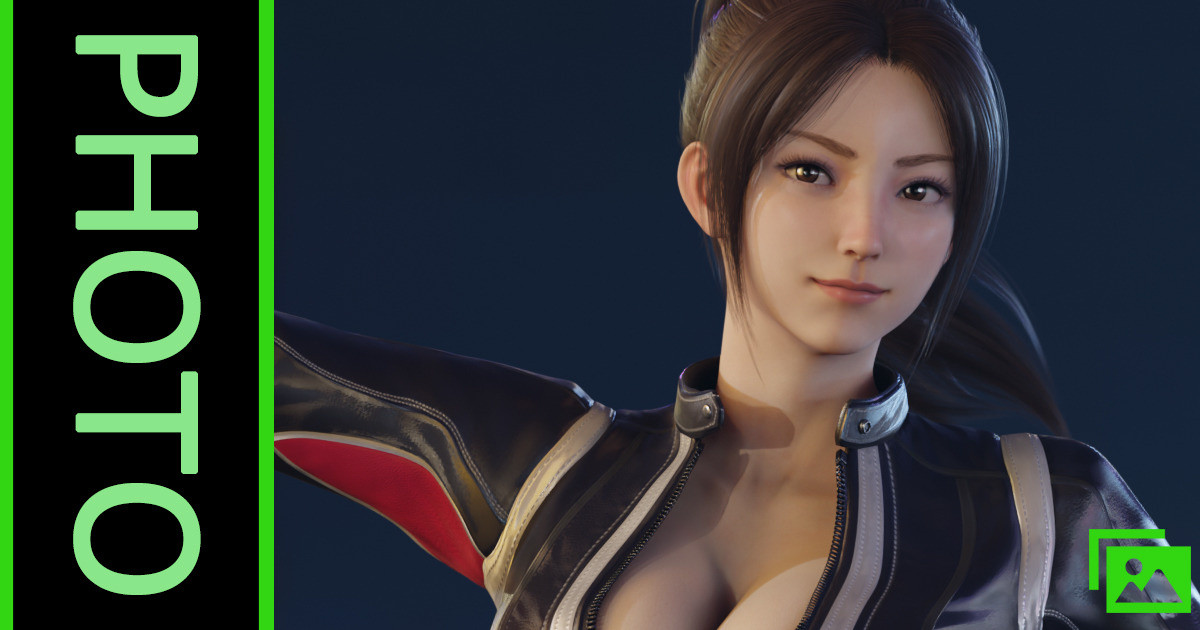
"STREET FIGHTER 6"の不知火舞のテストレンダリングです
他の作品も投稿しています。よろしければご支援お願いいたします。
These are test renderings of Mai Shiranui from “Street Fighter 6”.
I am also submitting other works.Please support us if you like.
 2025-02-23 07:03:14 +0000 UTC
View Post
2025-02-23 07:03:14 +0000 UTC
View Post
こちらはオリジナルの動画を短くした、ショート動画です。
Marie_Video_2_Short
...
2025-02-15 12:20:22 +0000 UTC
View Post
バレンタインが近いということで、マリーにチョコを持たせてレンダリングしてみました。
他の作品も投稿しています。よろしければご支援お願いいたします。
Since Valentine's Day is near, I rendered Marie with chocolate.
I am also submitting other works.Please support us if you like.
他の作品も投稿しています。よろしければご支援お願いいたします。
I am also submitting other works.Please support us if you like.
2025-02-03 04:00:10 +0000 UTC
View Post
他の作品も投稿しています。よろしければご支援お願いいたします。
I am also submitting other works.Please support us if you like.
2025-01-25 09:27:46 +0000 UTC
View Post
24日にFF7リバースが発売されるので、エアリスでアニメーションを作成してみました。
この動画はオリジナルの解像度を落としたものです。
FF7 Rebirth will be released on the 24th and I created an animation with Aerith.
This video is a reduced resolution version of the original.
...
2025-01-17 11:43:27 +0000 UTC
View Post
明けましておめでとうございます。今年もよろしくお願いいたします。
今年はへび年ということで、へびと聞いて連想したのがDOAのクリスティでした。
去年はバーチャファイターの新作の発表がありましたが、今年はDOA"7"の発表に期待したいですね。
Happy New Year! I look forward to working with you again this year.
This year is the Year of the Snak...
2024-12-31 15:00:00 +0000 UTC
View Post
今年もご支援や作品を見て頂きありがとうございました。
来年もどうぞよろしくお願いいたします。良いお年をお迎えください。
2024-12-28 07:42:04 +0000 UTC
View Post
他の作品も投稿しています。よろしければご支援お願いいたします。
I am also submitting other works.Please support us if you like.
2024-12-21 06:04:22 +0000 UTC
View Post
他の作品も投稿しています。よろしければご支援お願いいたします。
I am also submitting other works.Please support us if you like.
2024-12-14 14:40:20 +0000 UTC
View Post
他の作品も投稿しています。よろしければご支援お願いいたします。
I am also submitting other works.Please support us if you like.
2024-12-07 11:19:36 +0000 UTC
View Post
他の作品も投稿しています。よろしければご支援お願いいたします。
I am also submitting other works.Please support us if you like.
2024-11-30 08:45:19 +0000 UTC
View Post
他の作品も投稿しています。よろしければご支援お願いいたします。
I am also submitting other works.Please support us if you like.
他の作品も投稿しています。よろしければご支援お願いいたします。
I am also submitting other works.Please support us if you like.